
Reliable internet is essential when you’re spending months on the road. From booking campsites and checking weather to video calls with family, staying connected can make or break your Big Lap experience. The challenge? Australia’s mobile coverage isn’t universal, and what works in the suburbs might leave you without bars in the bush.
Mobile hotspots and signal boosters are your solution. A quality mobile hotspot gives you WiFi for multiple devices, while a signal booster amplifies weak tower signals to get you connected where others can’t. The right combination can extend your connectivity well beyond what your phone alone can achieve.
This guide covers everything from budget-friendly hotspots to professional-grade boosters, helping you choose the gear that matches your connectivity needs and travel style.
Mobile Hotspots
Mobile hotspots are standalone devices that create WiFi networks using cellular data. They’re more powerful than phone hotspots, with better antennas, longer battery life, and the ability to connect more devices simultaneously. The market has shifted heavily toward 5G capable units, which offer significantly faster speeds where coverage exists.
Desktop & Fixed Caravan Routers
Desktop models plug into 12V power and stay mounted in your caravan or motorhome. They offer the strongest performance with external antenna capability and multiple ethernet ports for hardwired connections.
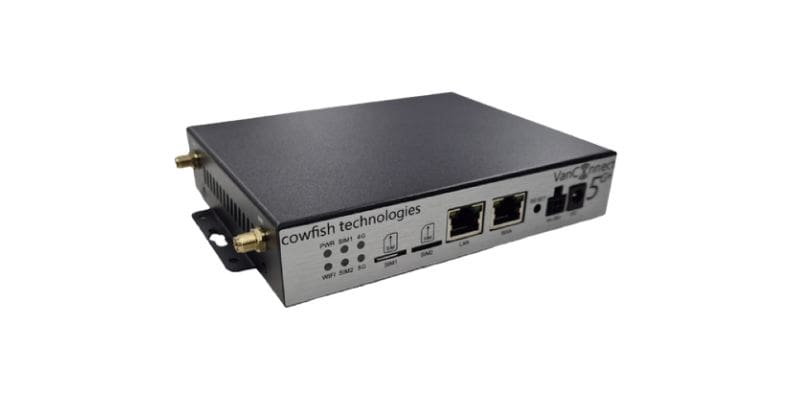
~$599
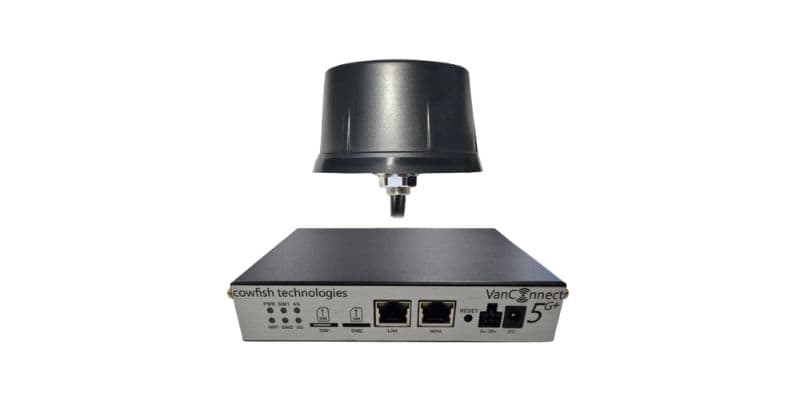
~$699
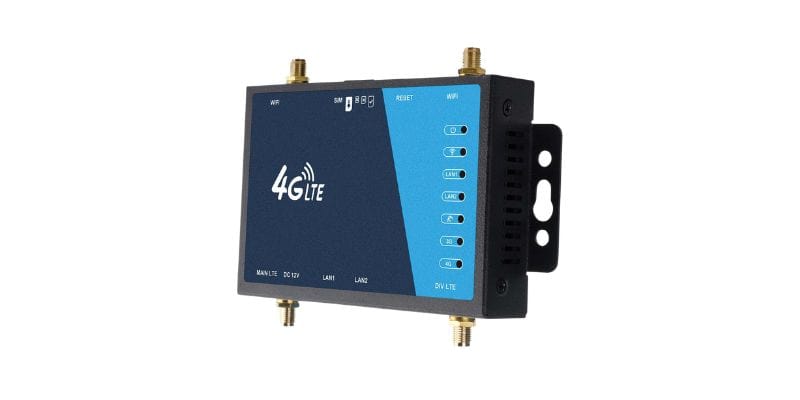
~$179
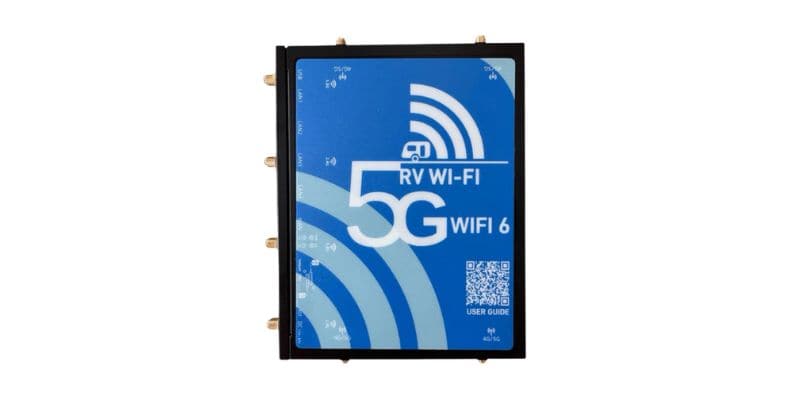
~$499
Portable Hotspots
Battery-powered units you can take anywhere. Perfect for solo travellers or couples who want internet away from their van, or as a backup to a fixed router. Look for models with external antenna ports for better reception in regional areas.
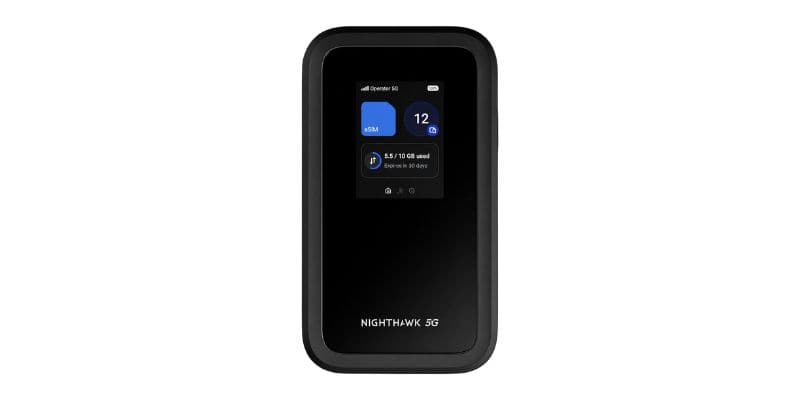
~$499
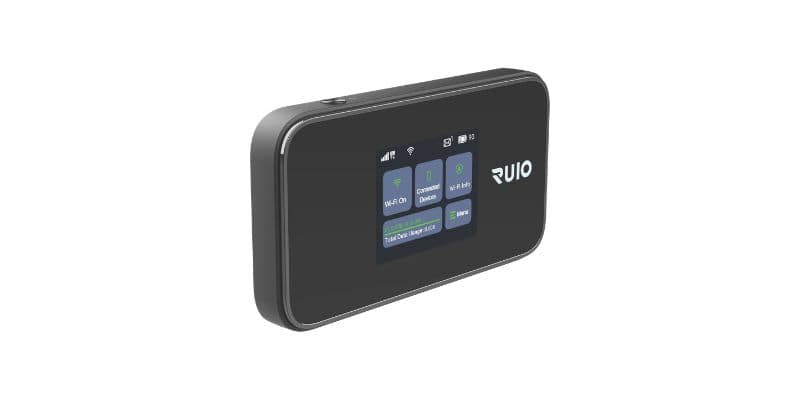
~$299
Satellite Internet
When cellular coverage runs out completely, satellite is your only option. Starlink has changed the game for remote travellers, offering genuine broadband speeds in areas where even Telstra has no signal.
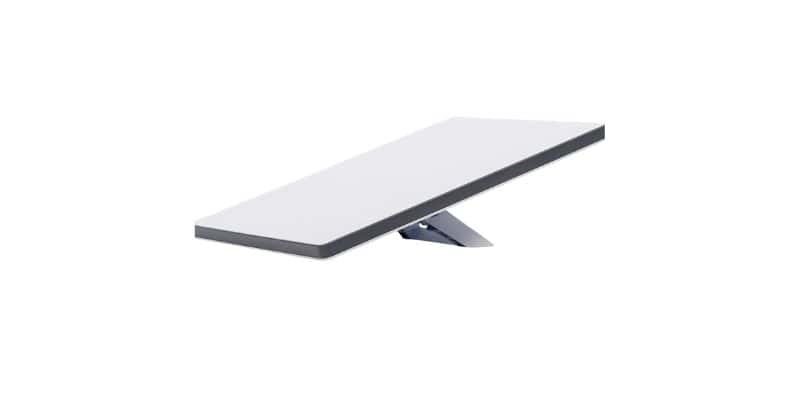
~$599
Carrier-locked hotspots are often cheaper but restrict your network options. Unlocked models let you switch between Telstra, Optus, and Vodafone as coverage varies across different regions.
Integration Kits
If you want to share your hotspot or cellular connection across your whole caravan through a proper internal WiFi network, integration kits are the clean solution.
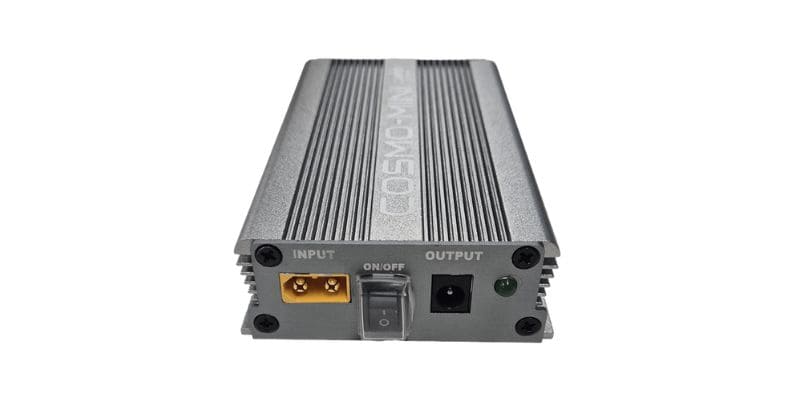
~$299
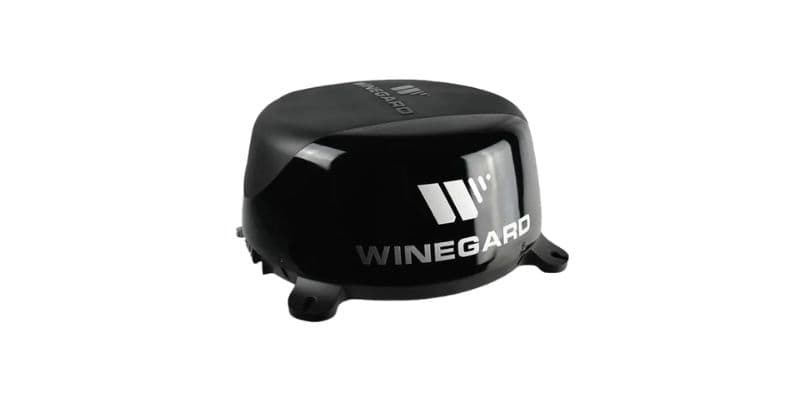
~$199
Signal Boosters
Signal boosters amplify weak cellular signals, improving reception for both hotspots and phones. They’re particularly valuable in remote areas where towers are distant. The external antenna captures weak signals, the booster amplifies them, then broadcasts stronger signal inside your van.
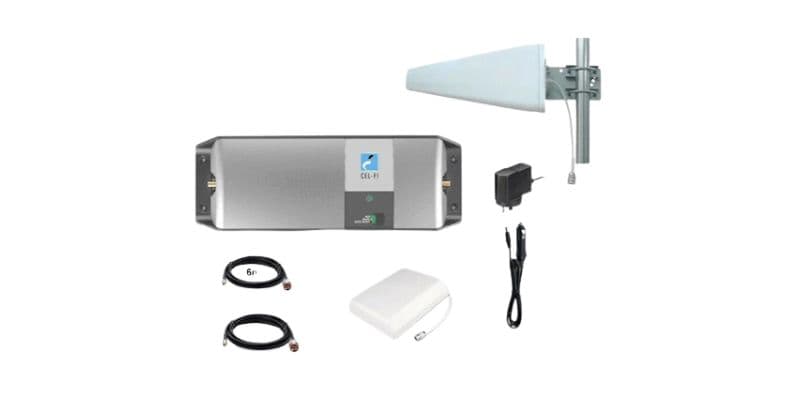
~$1,299
Signal boosters must be ACMA approved for use in Australia. Using unapproved boosters can interfere with mobile networks and result in fines. The Cel-Fi GO is one of the few boosters that meets Australian legal requirements.
Network Carriers & Data Plans
Your choice of network affects both coverage and cost. Each carrier has strengths in different regions, and data plans vary significantly in price and inclusions.
Telstra
Best coverage nationwide, especially in remote areas. Premium pricing but most reliable for Big Lappers who venture off main highways. If you’re heading anywhere genuinely remote, Telstra is the carrier you want.
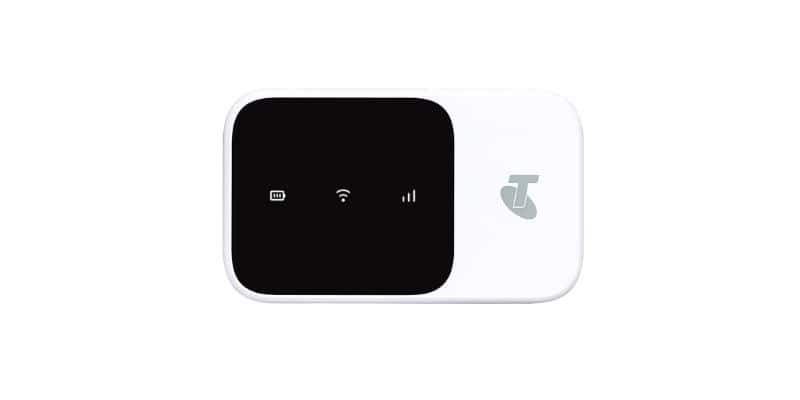
$89/month
Optus
Good coverage on major routes and regional centres. More affordable than Telstra with competitive data allowances. A reasonable choice if your route sticks to populated areas and major highways.
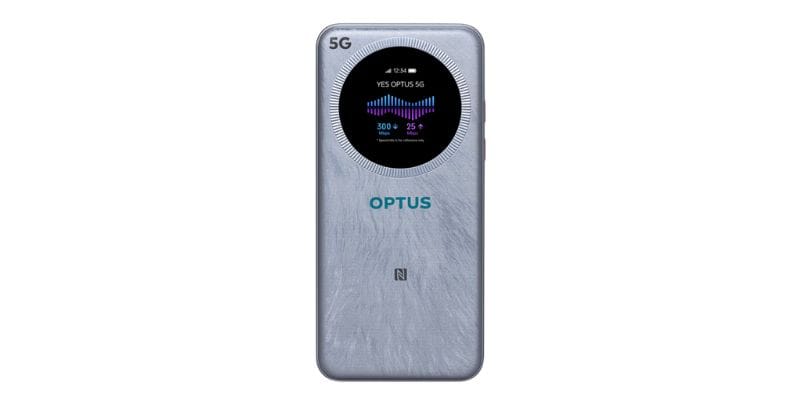
$70/month
Vodafone & MVNOs
Vodafone offers good city coverage but limited rural reach. Mobile Virtual Network Operators (MVNOs) like Boost and Woolworths Mobile use major carrier networks at lower prices. Boost Mobile runs on the Telstra network and is worth considering as a budget alternative with decent remote coverage.
Starlink Roam
Starlink’s satellite internet service has become a genuine option for full-time travellers. The Roam plan gives you unlimited data with no fixed address requirement, which makes it purpose-built for the Big Lap. Speeds of 25–100Mbps are typical, and it works anywhere in Australia with a clear view of the sky. The main drawback is cost: hardware runs around $599 for the Starlink Mini and the monthly subscription adds another $80–$190 depending on the plan tier.
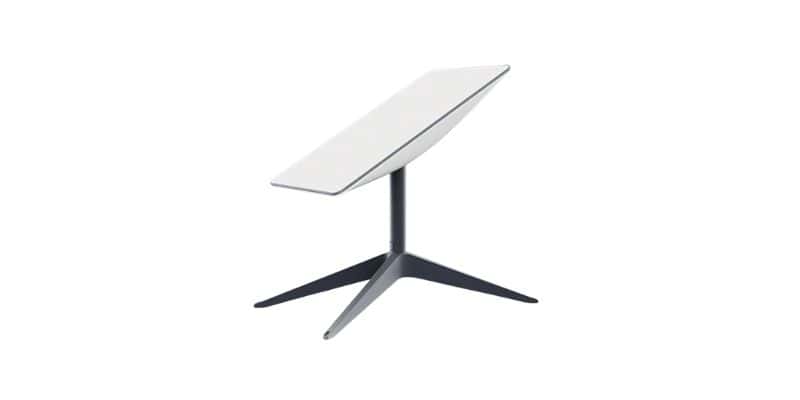
From $80/month
Consider carrying SIMs for multiple networks. When one carrier has no signal, another often does. Unlocked hotspots make switching between networks simple.
Installation Tips
Proper installation maximises performance and prevents damage to your equipment. Here’s what you need to know about mounting antennas and running cables.
Antenna Placement
Mount external antennas as high as possible with clear line-of-sight to towers. Avoid mounting near solar panels, air conditioners, or other electronics that can cause interference. For permanent installations, use through-roof mounts with proper sealing to prevent water ingress.
Cable Management
Keep antenna cables as short as possible to minimise signal loss. Use quality RG58 or RG174 cables with proper connectors. The most common connector types are TS-9, SMA, and CRC9. Confirm which connector your hotspot uses before buying an antenna or adapter.
Power Considerations
Desktop hotspots typically draw 1–2 amps at 12V. Signal boosters use 3–5 amps when active. Factor this into your electrical system capacity, especially if running on battery power.
- Purpose-built caravan routers like the Cowfish VanConnect 5G are the best permanent setup for most Big Lappers
- Portable hotspots like the NETGEAR Nighthawk M7 or RUIO MiFi M23 PRO offer flexibility for travel beyond the van
- Starlink Mini is the best option for genuinely remote travel where cellular coverage runs out
- The Cel-Fi GO is the only legally compliant signal booster worth buying for Australian use
- Telstra provides the best remote coverage, but carrying multiple carrier SIMs maximises connectivity
- Proper antenna placement and quality cables are crucial for getting the most from any external antenna setup
Comment (1)